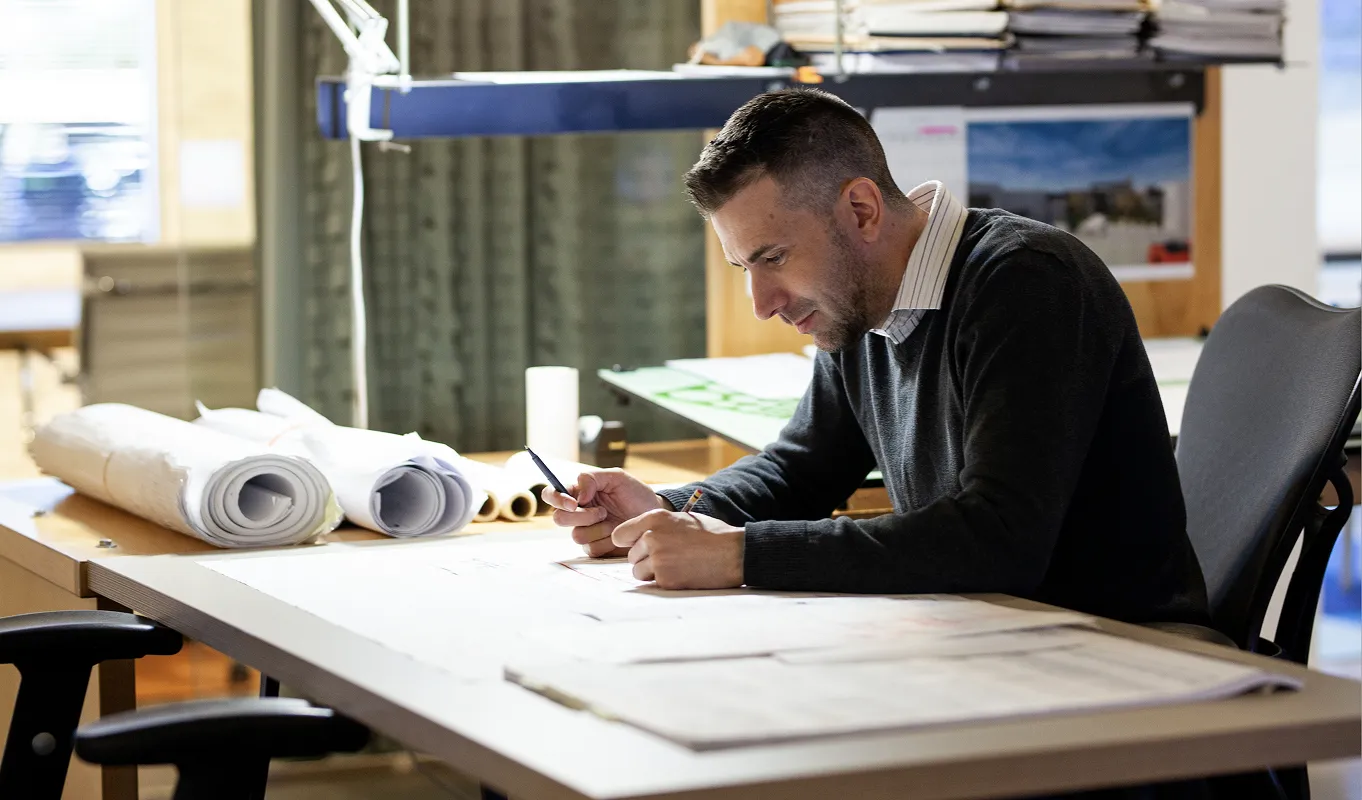
AI built for architects, for every stage of design.

From first sketch to final presentation—turn ideas, sketches, and live 3D models into stunning renders without ever leaving your design workflow.

How it works

Start anywhere

Start anywhere

Drop in a sketch, upload an image, or pull a view from a live 3D model. No exporting, no importing—your starting point is already here.

Start anywhere

Start anywhere

Drop in a sketch, upload an image, or pull a view from a live 3D model. No exporting, no importing—your starting point is already here.

Pick your style

Pick your style

Choose from pre-defined rendering styles (photorealistic, B&W, watercolor, and more), environment, weather, and time of day. No complex prompting needed.

Pick your style

Pick your style

Choose from pre-defined rendering styles (photorealistic, B&W, watercolor, and more), environment, weather, and time of day. No complex prompting needed.

Render

Render

Hit render and get three distinct 4K variations instantly. Compare side by side on the canvas, pick a direction, or use all three.

Render

Render

Hit render and get three distinct 4K variations instantly. Compare side by side on the canvas, pick a direction, or use all three.

Dial in the details

Dial in the details

Steer your results with reference images and targeted edits. Match a material, lock in a visual style, or mark up specific areas to adjust lighting, finishes, or details—Motif blends your cues and gives you precision where it matters.

Dial in the details

Dial in the details

Steer your results with reference images and targeted edits. Match a material, lock in a visual style, or mark up specific areas to adjust lighting, finishes, or details—Motif blends your cues and gives you precision where it matters.

Bring your concepts to life

Transform any render, sketch, or model into a dynamic video sequence. Explore how spaces feel and flow—with your choice of five industry-leading video models including Veo 3, Sora 2, and Gen-4 Turbo.

Book a demo

Rendering, Made Routine

How PHX ARCHITECTURE Uses AI While Protecting Architectural Expertise

Case study →
AI Visualization
Concept Massing
Site Transforms

Purpose-built for architects

Built for buildings

General-purpose AI tools guess at architecture. Motif's rendering engine is specifically optimized for architectural visualization so your renders are presentation-ready from the start.
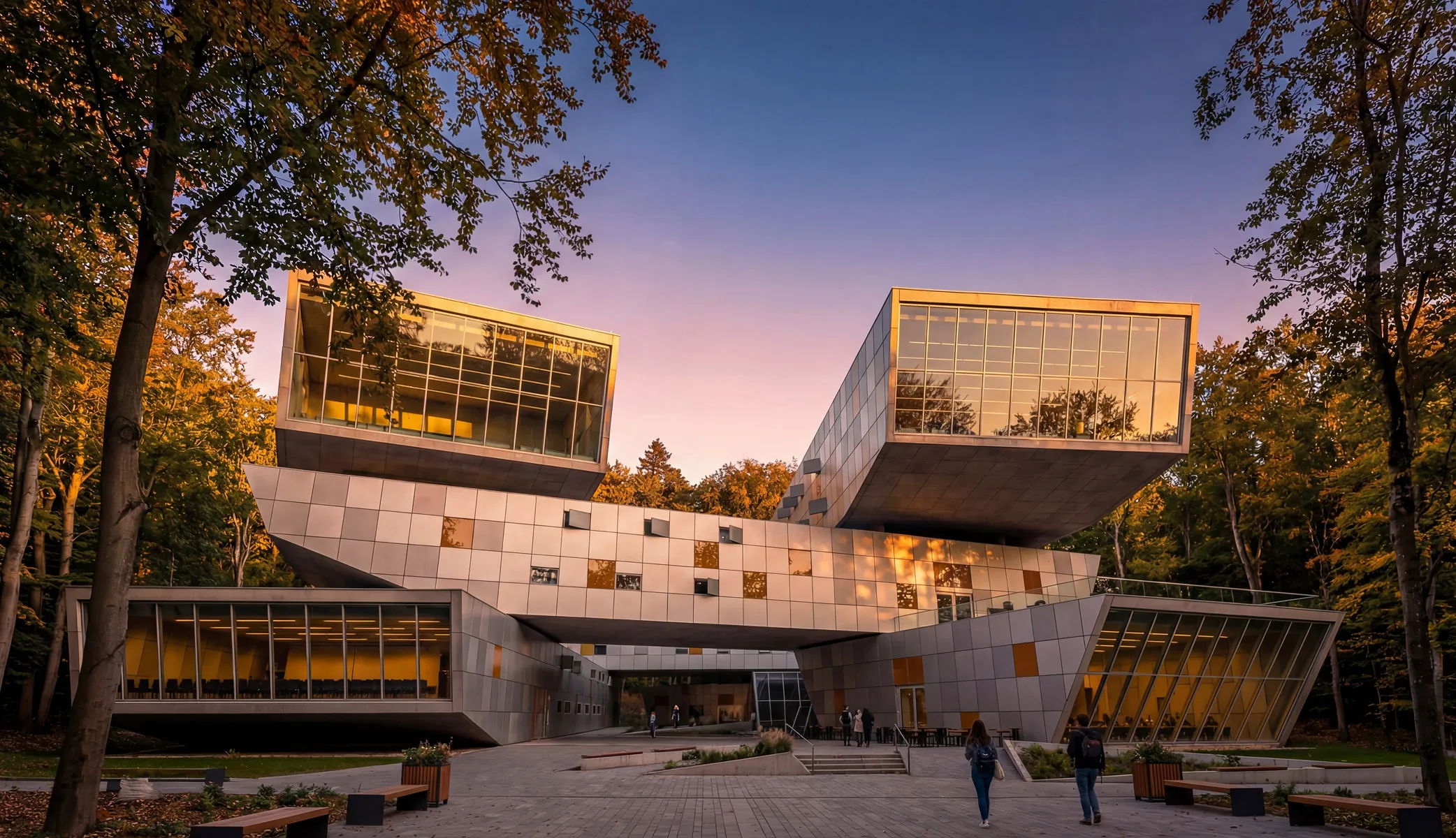

A couple of people standing in front of a building.

Render where you design

No exporting to a separate tool, no importing results back, no broken feedback loops. Your models, images, and renders all live in the same space.
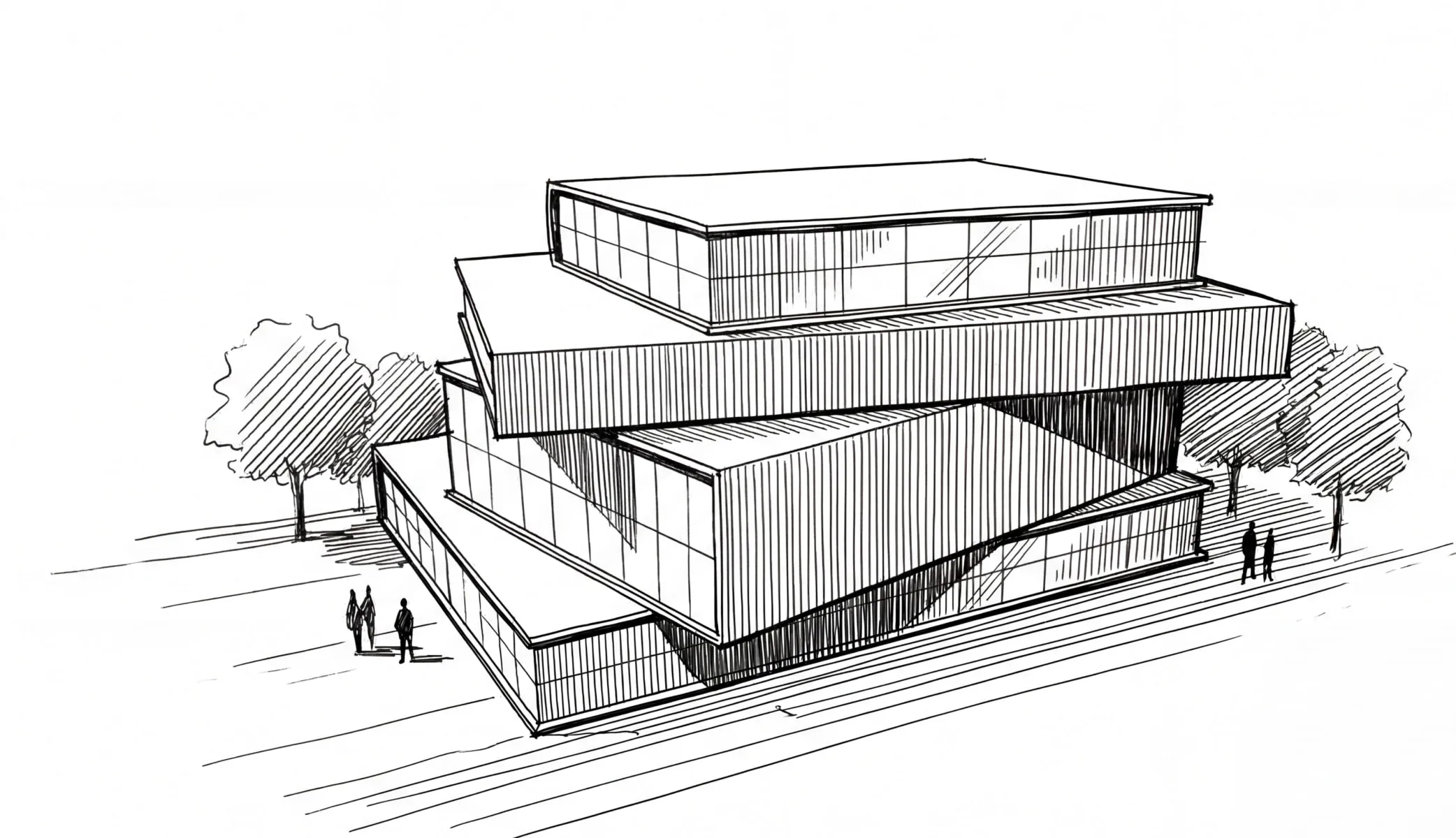
A black and white drawing of a building.

A living canvas, not snapshots

Take views of live 3D models and render them in the same workspace. Lay out multiple variations on an infinite canvas—compare, iterate, and refine without switching tools.

A drawing of a room with a table and chairs.

Collaborate in the open

Motif isn't a private chat window. It's a shared workspace where teammates can see each other's renders, trace creative decisions, and build on one another's work.
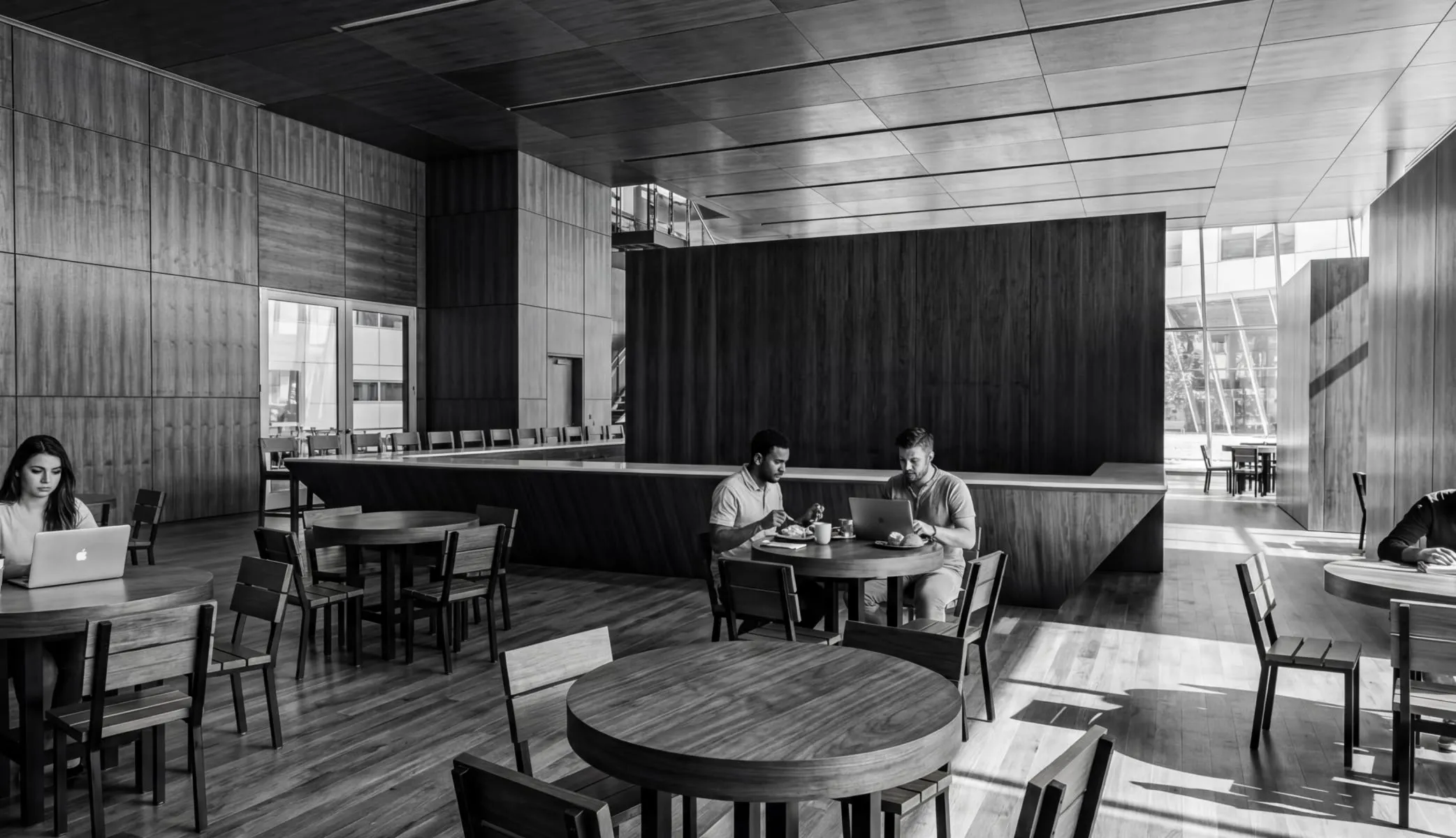
A couple of people sitting at a table in a restaurant.

Your IP is protected

Every model provider we partner with has contractually agreed never to use your work to train their models. What you create belongs to you.
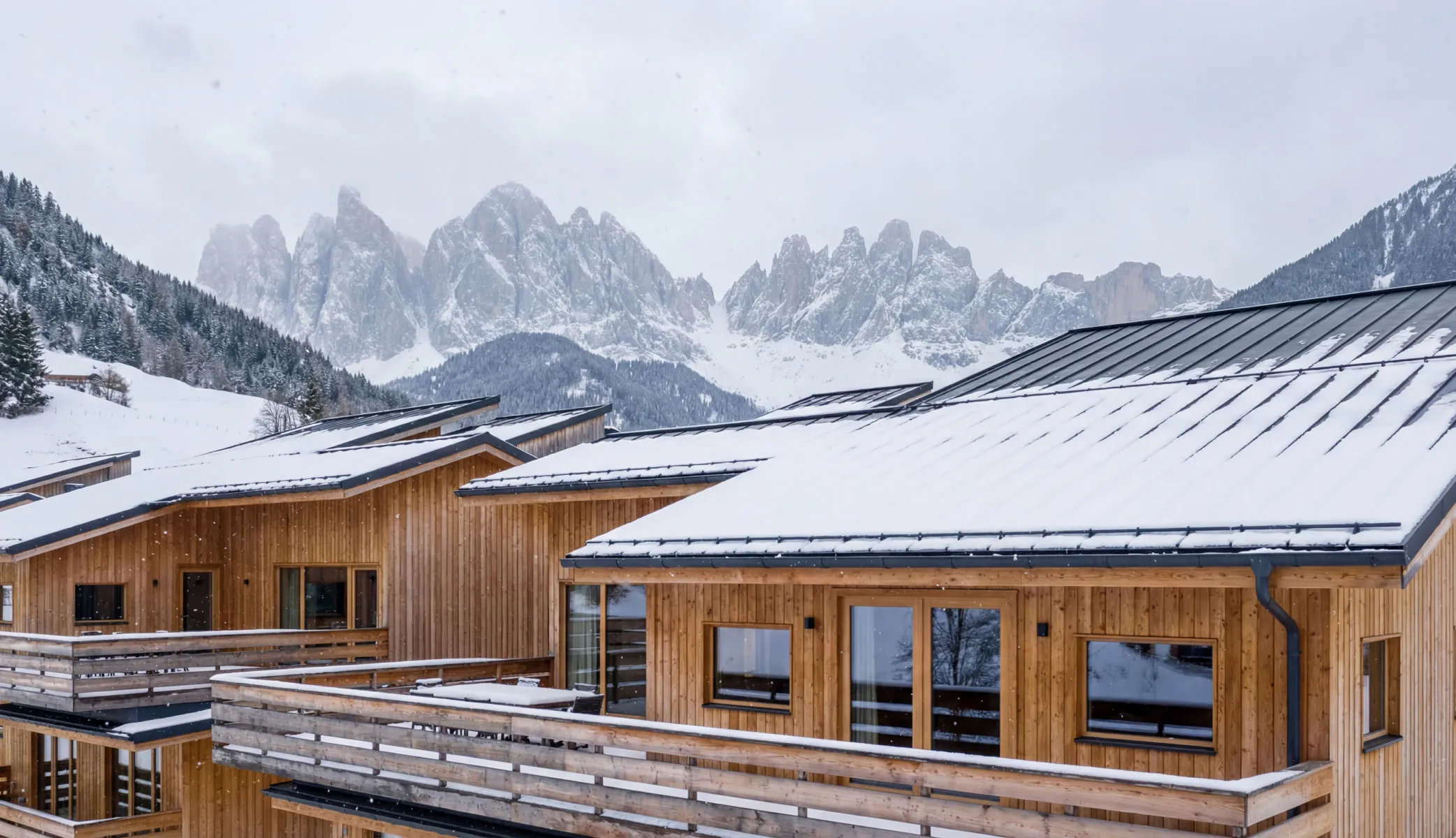
A row of wooden buildings with snow on the tops.

One plan, everything included

Access multiple best-in-class AI models for both images and video—Nano Banana Pro, Imagen, Veo, Sora, Gen-4 Turbo—all under your Motif plan. No separate contracts, no extra accounts.
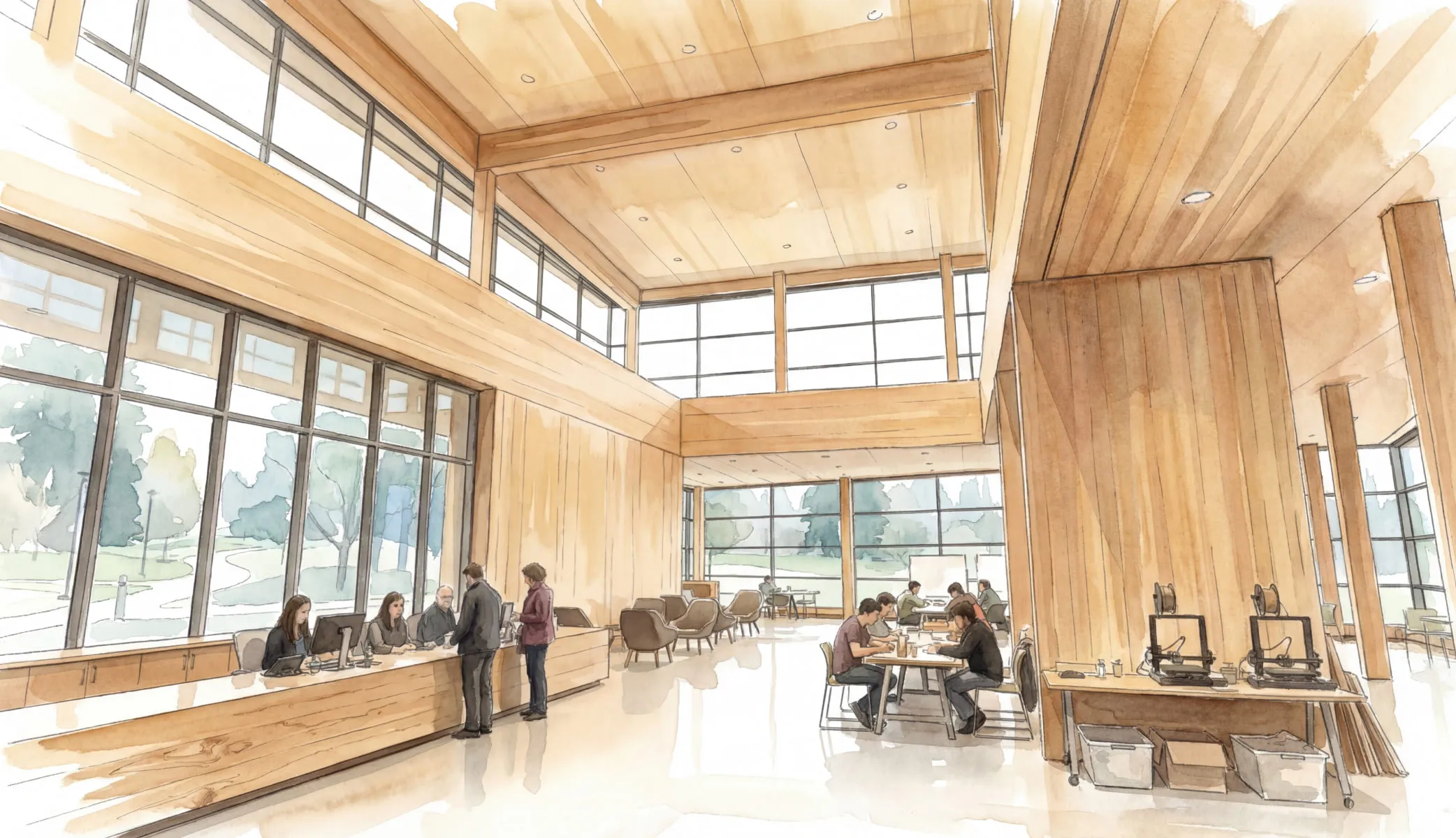
A drawing of people sitting at tables in a large room.

Trusted By

Proven in practice.

Motif is working to solve some near-term problems for us in terms of how we work and the efficiencies within our industry, but also opening up new ideas and new opportunities for how we might explore design in the future.
Shane Burger

Chief Design Technology Officer, Skidmore, Owings & Merrill

Motif came to us asking questions, not bringing solutions – which piqued our interest. That’s someone we can partner with. They’re very focused on the design process. Not trying to change it, but bringing technology to it.

Nick Cameron

Principal, Director of Digital Practice at Perkins&Will

Talking with a group that just wants to help and understand what we’re doing – it’s been a breath of fresh air.

William Carney

Design Technology Leader, Principal at DLR

FAQs

Will my designs be used to train AI models?

No. Every model provider we work with has contractually agreed not to use your work to train their models. Your intellectual property stays yours.

Do I need a fully built 3D model to render?

No. Start from a hand sketch, an image, or a rough massing model. Motif works at the concept stage, not just at the end.

How many AI credits do I get during the trial?

You get 30 AI credits during your trial. To learn more about credits, check out this help doc.

What does it cost after the trial?

$25/user/month. AI rendering is included alongside sheet review, 3D design review, and visual exploration.