

The BIM you’ve been waiting for.
This is real parametric, associative modeling. In a browser. That anyone can use and everyone will want to. Open, collaborative, with AI built in, Motif works with all your software tools to produce real documents and 3D buildings, not just sketches.
Software should be a tool, not a taskmaster.
You shouldn’t have to work harder to make the software happy. You shouldn’t have to split your file into fragments and still wait for it to crash. You shouldn’t have to be a specialist with years of tech experience just to place a doorknob.
That’s why we rebuilt BIM from the ground up: to make it light. Easy to use. Easy to share. Easy to watch an idea transform into a real building.
This industry has been trained to accept the tax of legacy tools. Motif sets you free.
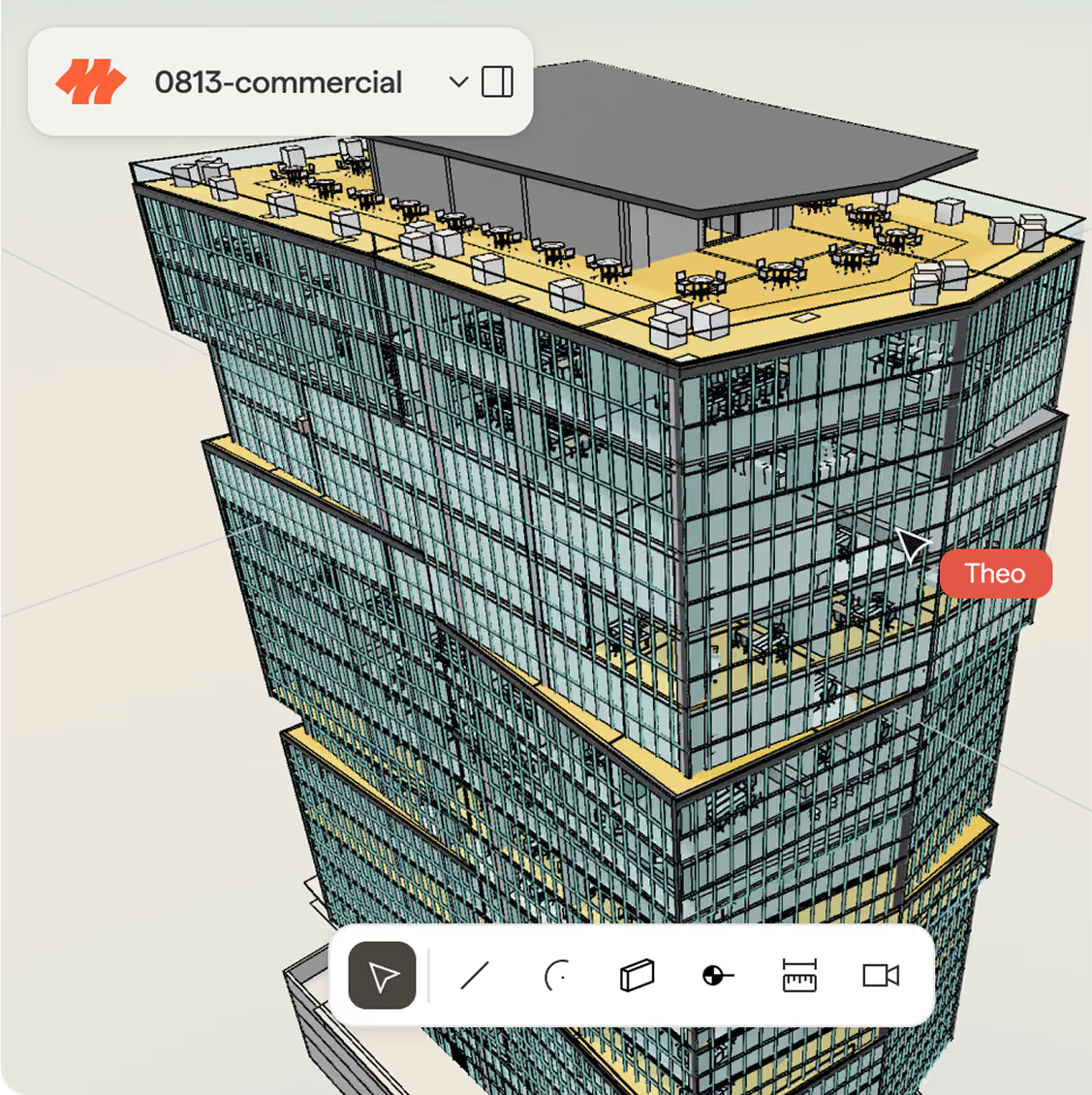
This is what a modern BIM platform looks like.
True parametric, associative modeling, right from your browser.
Work in the browser at full building scale.
Move a wall, and everything tied to it updates automatically: floors, ceilings, neighboring walls, and dimensions.
Generate parametric content from a sketch, photo, or description.
Describe a change, like “recolor every interior wall”, and AI agents apply it across the model for you.
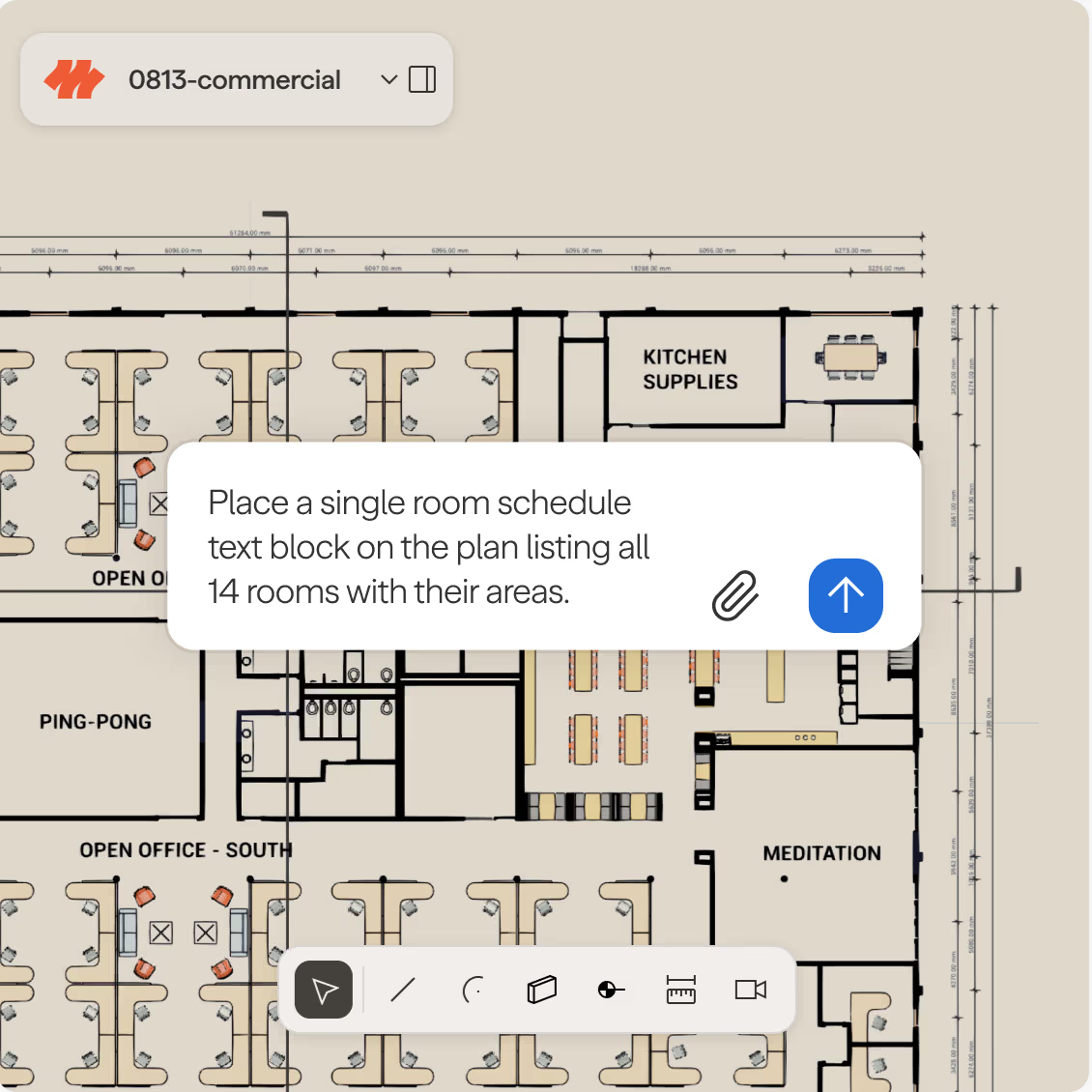
Drawings that stay in sync with the model.
The same associative model that updates your walls keeps your drawings in sync, too.
Change the model, and your sections, elevations, and RCPs update right along with it.
Ask the agent for a count or quantity of anything in your model, in plain language.
Add dimensions and text annotations directly on your drawings.
Export your sheets to a client-ready PDF just by asking the agent.
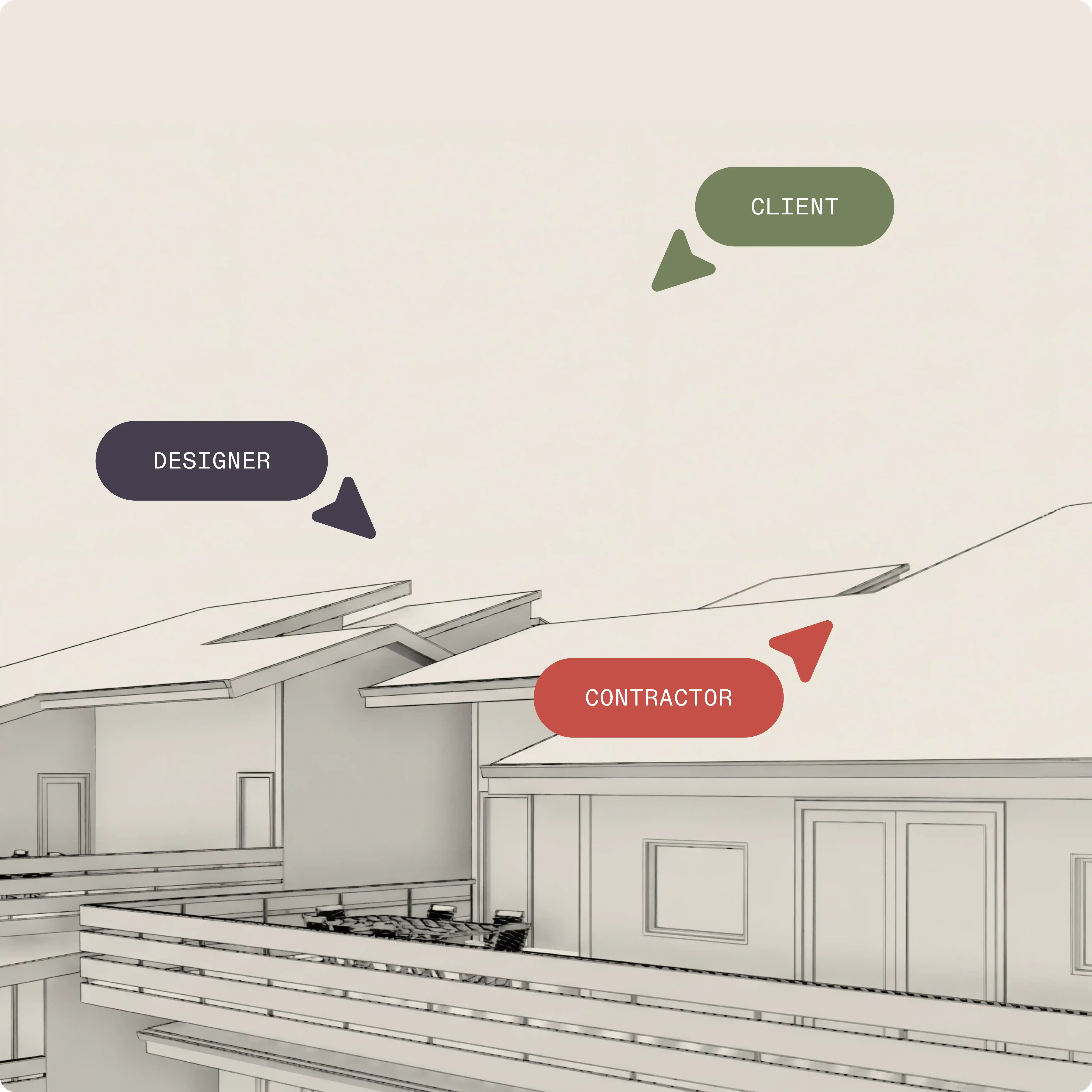
Everyone in the same model at once.
Your team and your AI agents work in the same live model in real time, so nothing ever gets lost between versions.
Watch teammates’ cursors move through the model in real-time, so you always know who’s working on what.
Invite clients or colleagues by simply sharing a link. No exports or installs required.
See a complete version history with who made every change, and roll back to an earlier point whenever you need to.
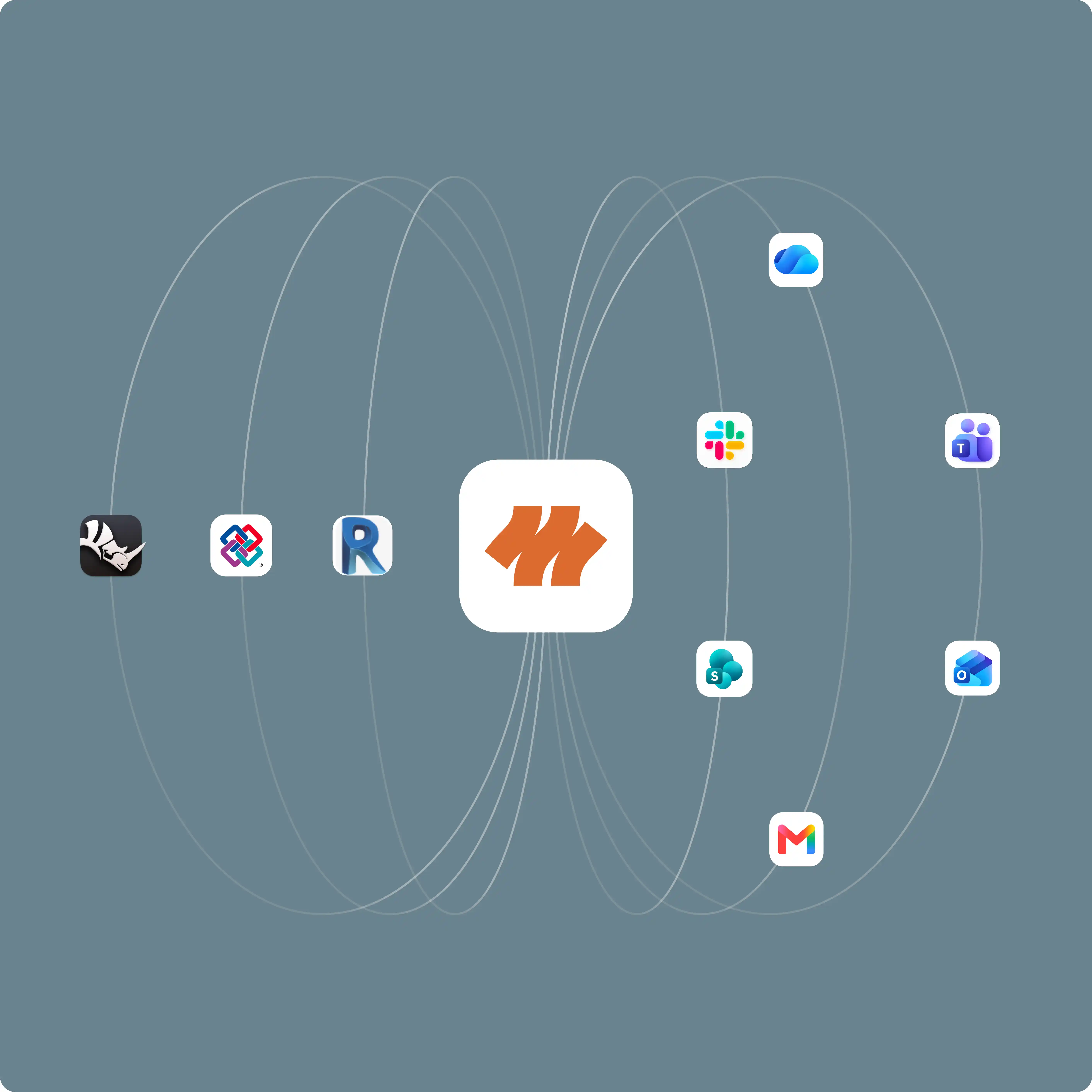
All your models and context, together.
Bring context from all your tools into one place, so important information is never missing or overlooked.
Bring in your existing models from Revit or Rhino, or as an IFC file.
Share context to and from Slack, Teams, OneDrive, SharePoint and more, from inside your model.
Ask the agent to check your model against a project brief, Slack an update to your team, or check against local code for you.
Export your model to IFC, so your work stays usable wherever it needs to go next (coming soon).
Open, not locked in.
Your data, models, and workflows stay open, never trapped inside someone else’s format.
Your data stays in an open, connected format that’s versioned and yours.
Every AI provider Motif works with has contractually agreed never to train on your work.
Add your own object types, properties, and behaviors as your firm’s standards evolve.
Build custom workflows via the open API (coming soon)
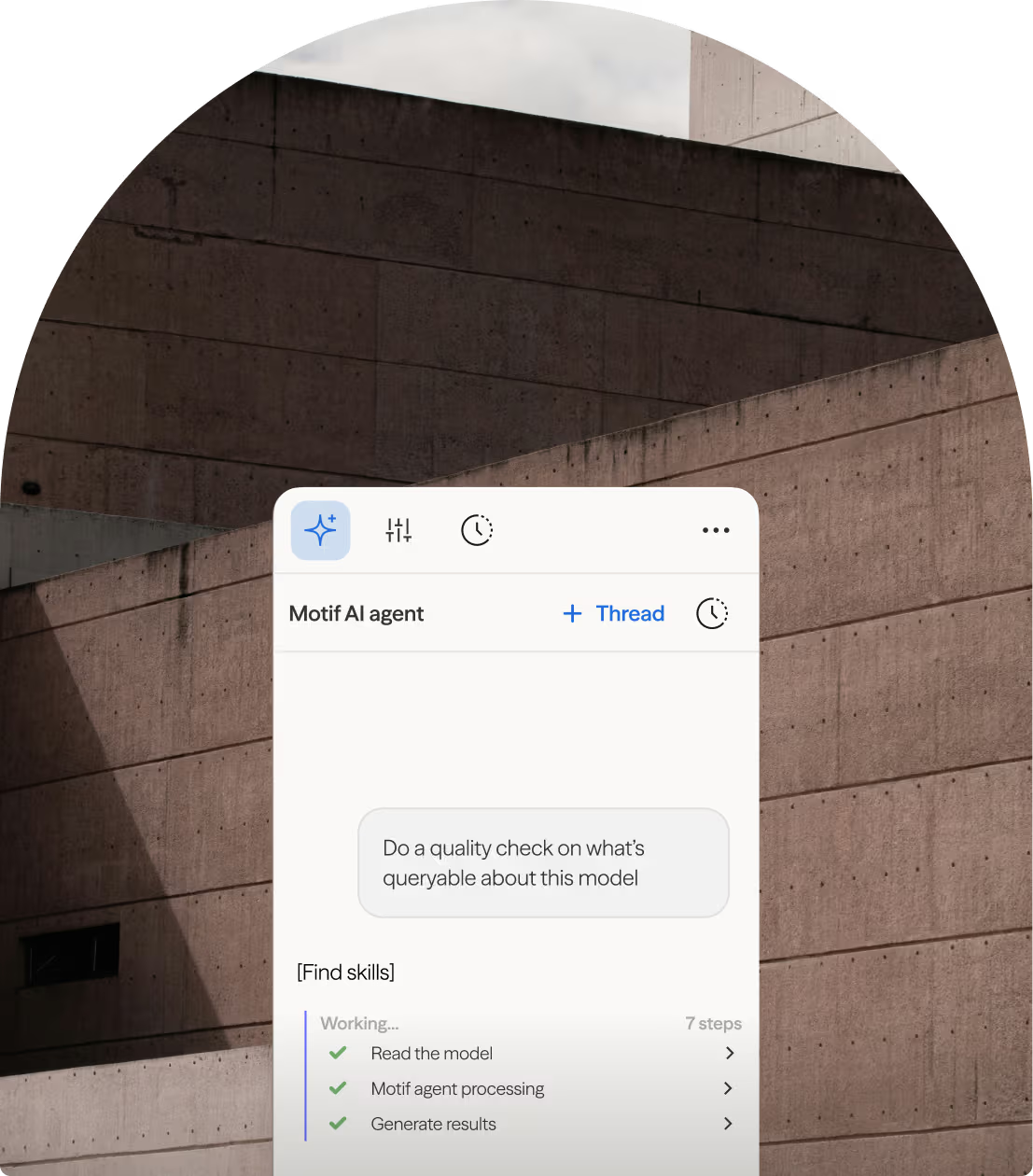
An AI agent for every workflow.
Turn a sketch into a placed 3D object. Ask what changed since your last review. Describe a change and see it applied. Generate a photorealistic render. And watch it all happen in seconds.
Proven in practice.
Motif is working to solve some near-term problems for us in terms of how we work and the efficiencies within our industry, but also opening up new ideas and new opportunities for how we might explore design in the future.
Shane Burger

Motif came to us asking questions, not bringing solutions – which piqued our interest. That’s someone we can partner with. They’re very focused on the design process. Not trying to change it, but bringing technology to it.
Nick Cameron

Talking with a group that just wants to help and understand what we’re doing – it’s been a breath of fresh air.
William Carney
We’re just getting started.
We’re shipping new capabilities every few days, working to build software to support the whole design process, from first sketch to shovel-ready.
FAQs