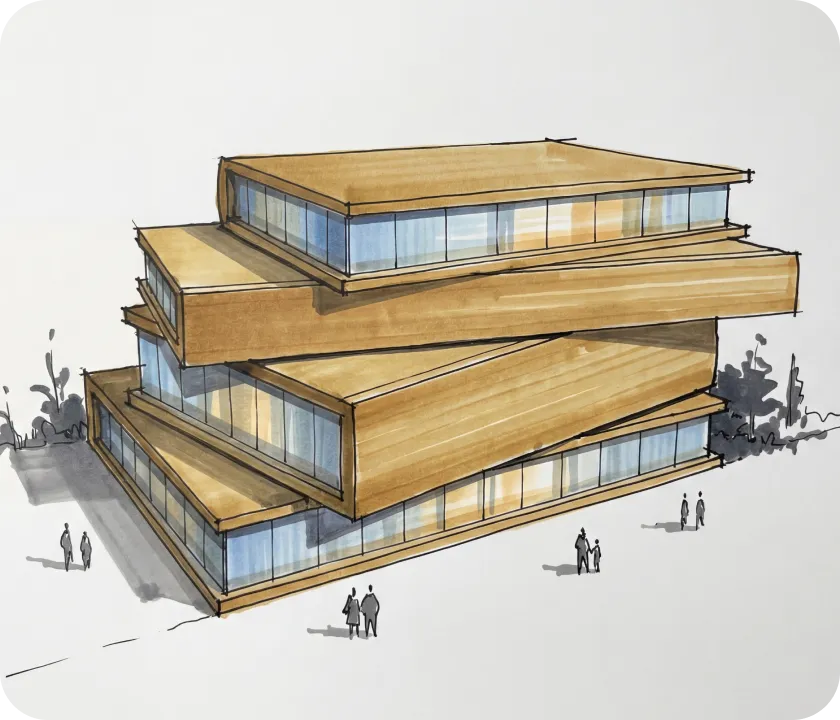
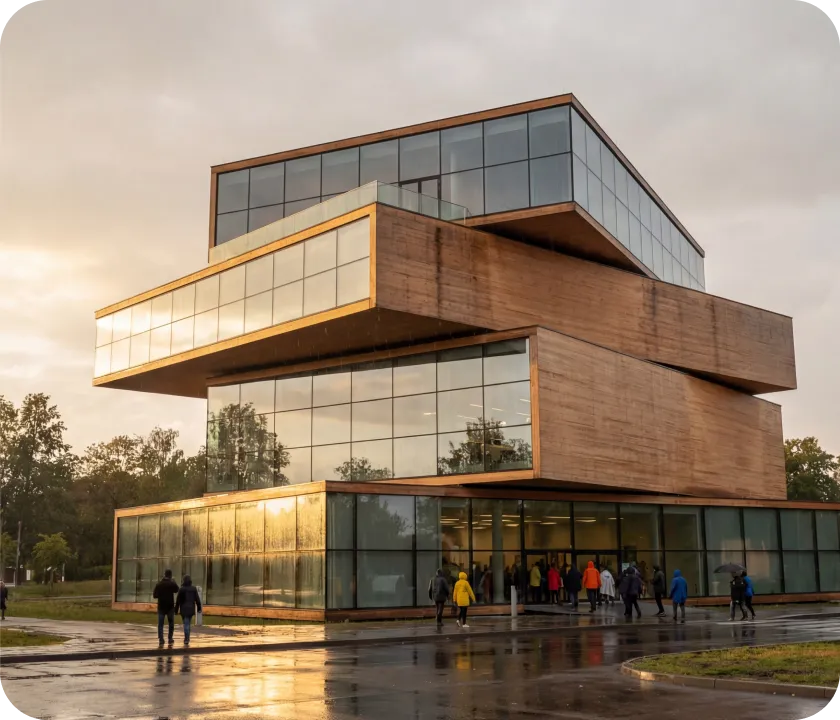
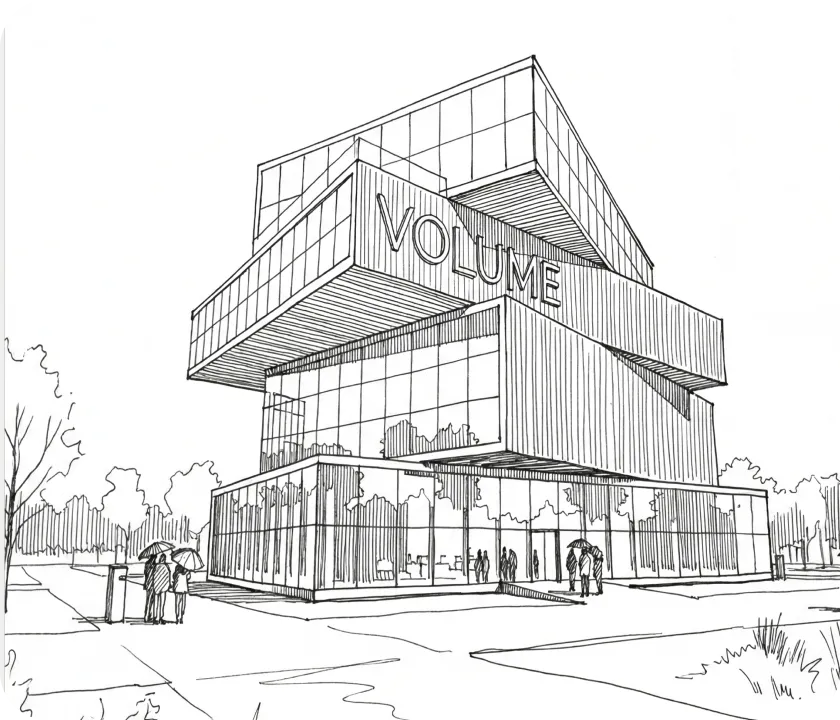
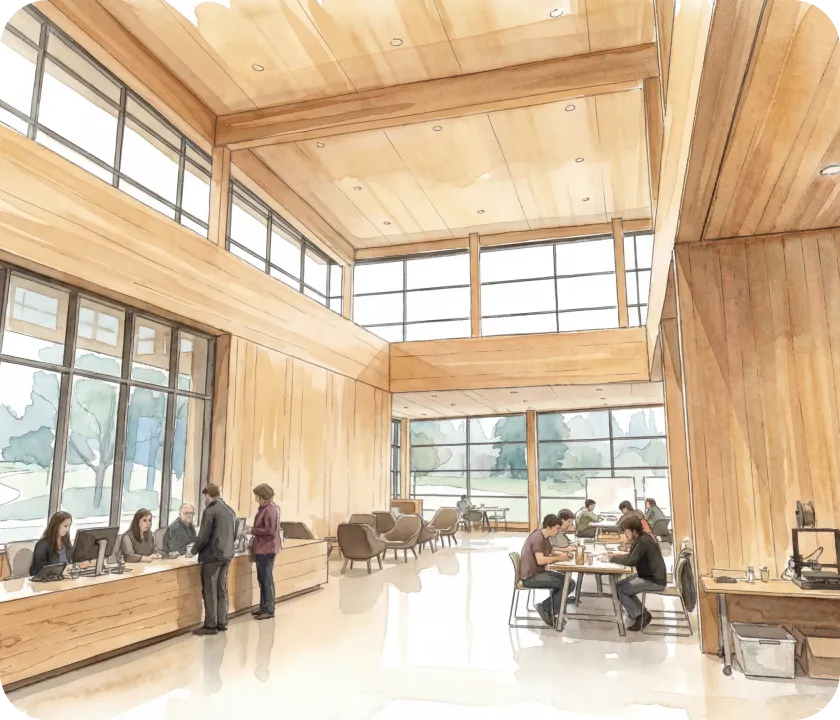
AI rendering, built for buildings.

Turn sketches, images, and live 3D models into presentation-ready renders—without leaving your design workflow.
A drawing of three wooden buildings on a snowy surface.
A group of people standing outside of a building.
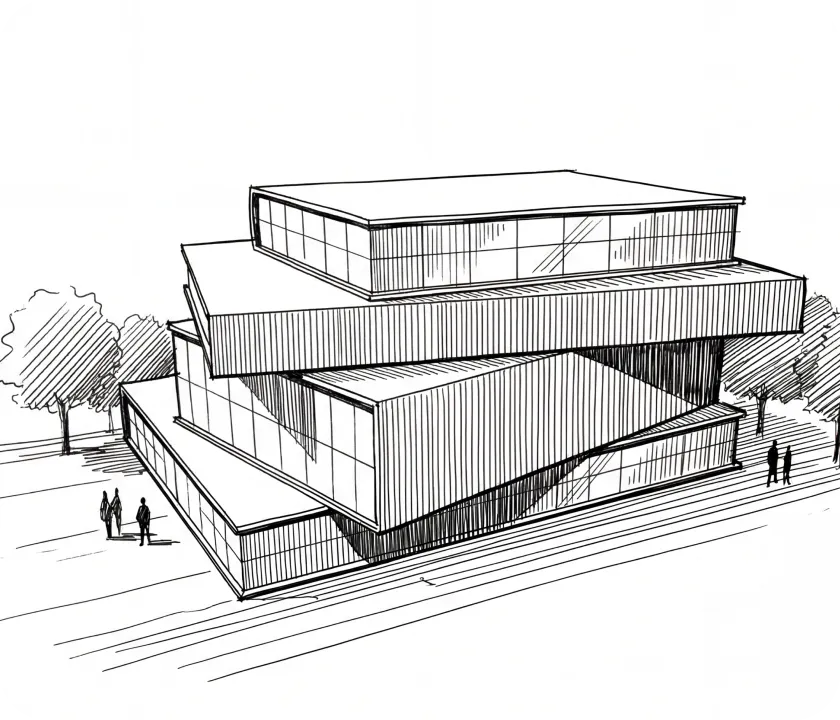
A black and white drawing of a building.
A drawing of a restaurant with people sitting at tables.
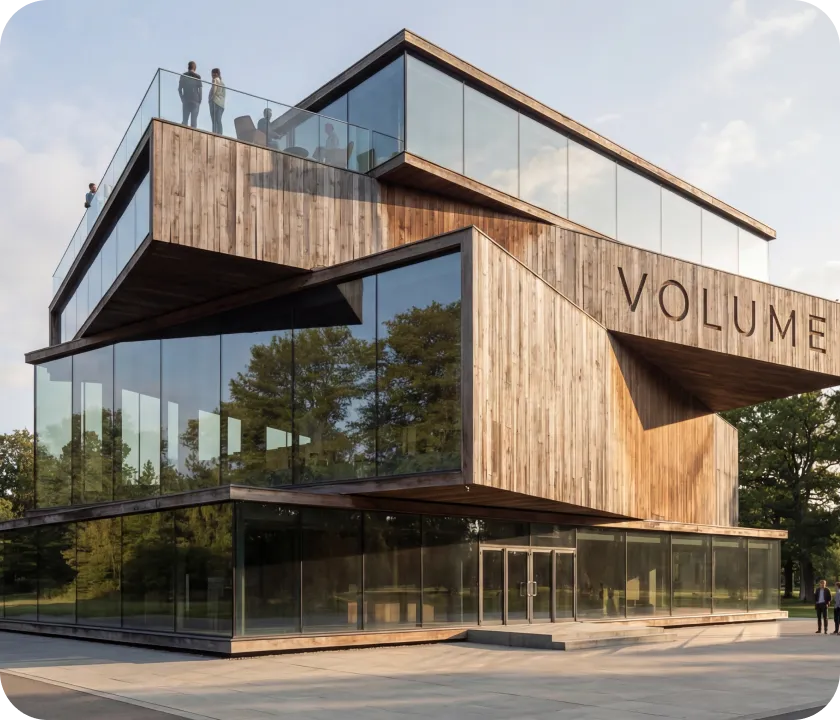
A large wooden building with people standing on top of it.
A black and white drawing of a building.
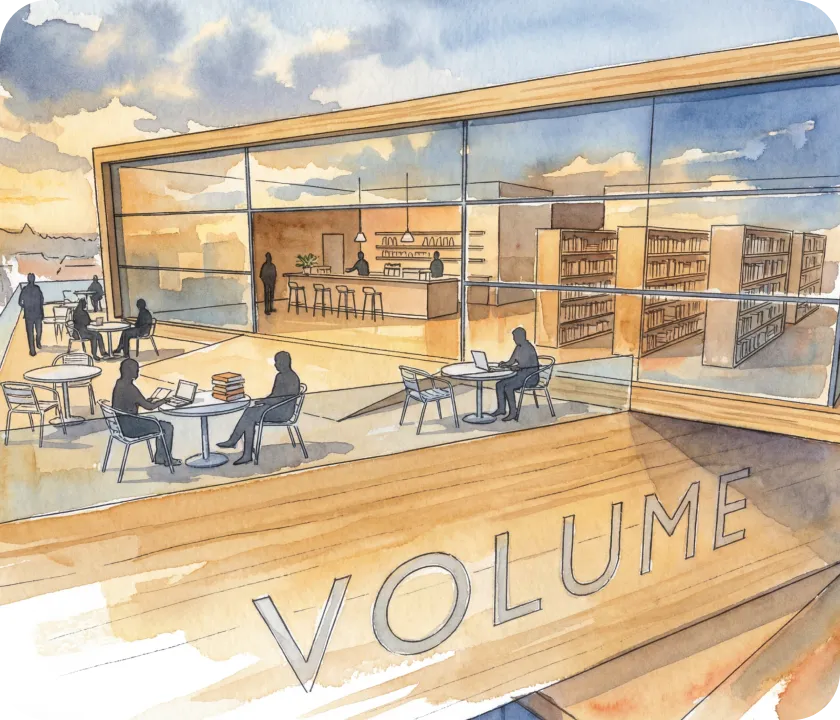
A painting of people sitting at a table in a library.
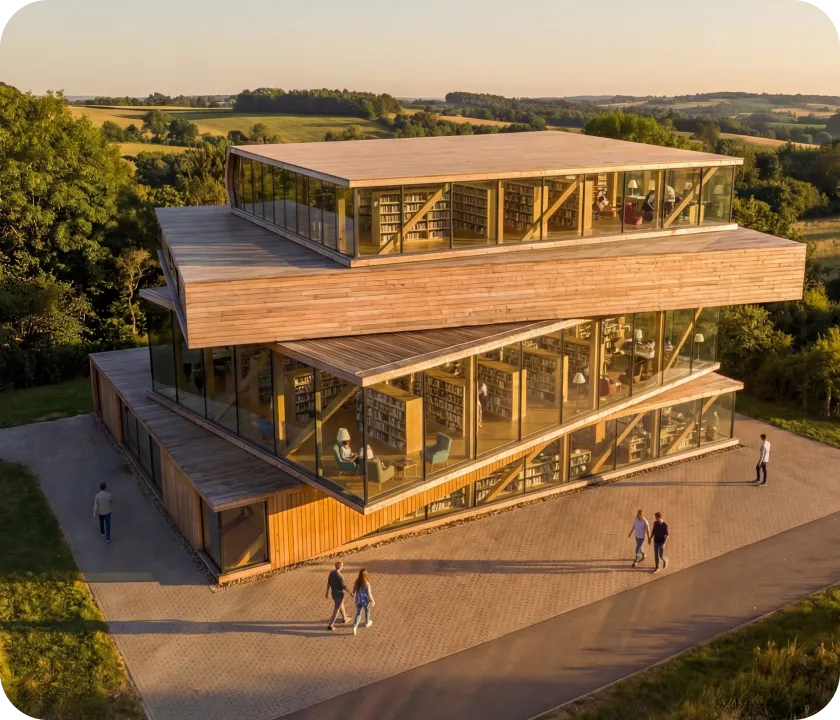
A group of people walking around a large building.
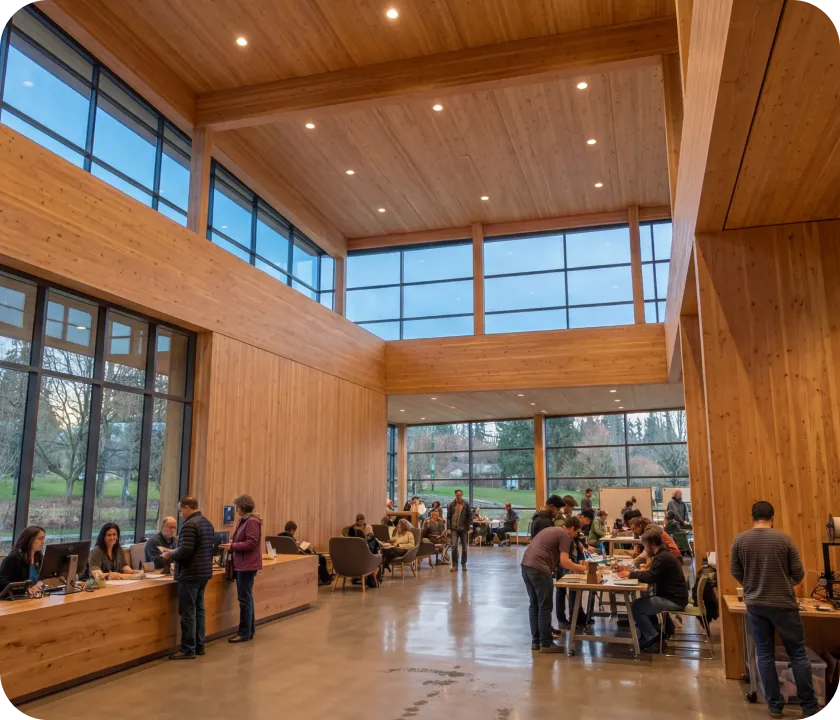
A group of people sitting at tables in a large room.
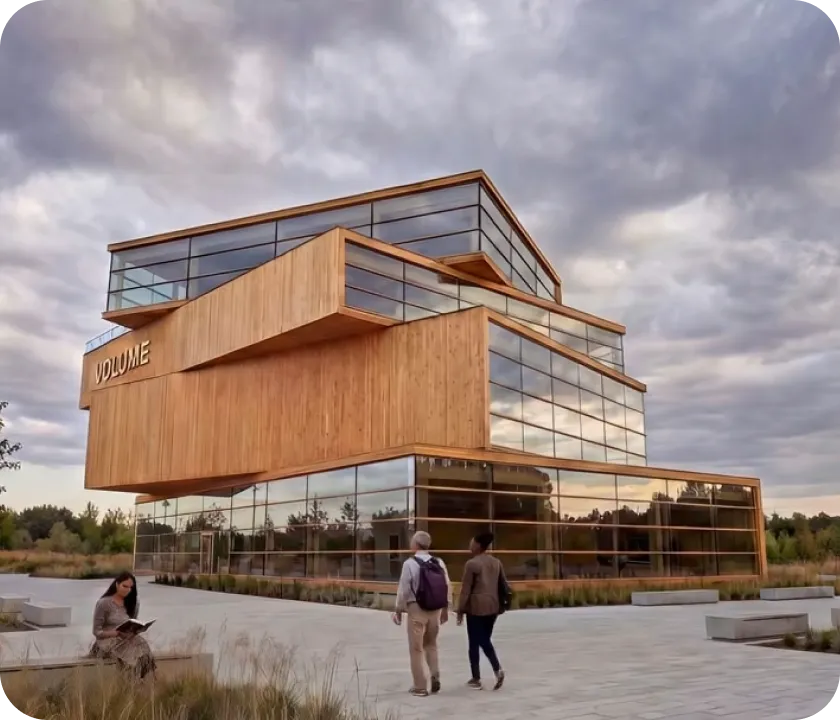
Two people walking in front of a building.
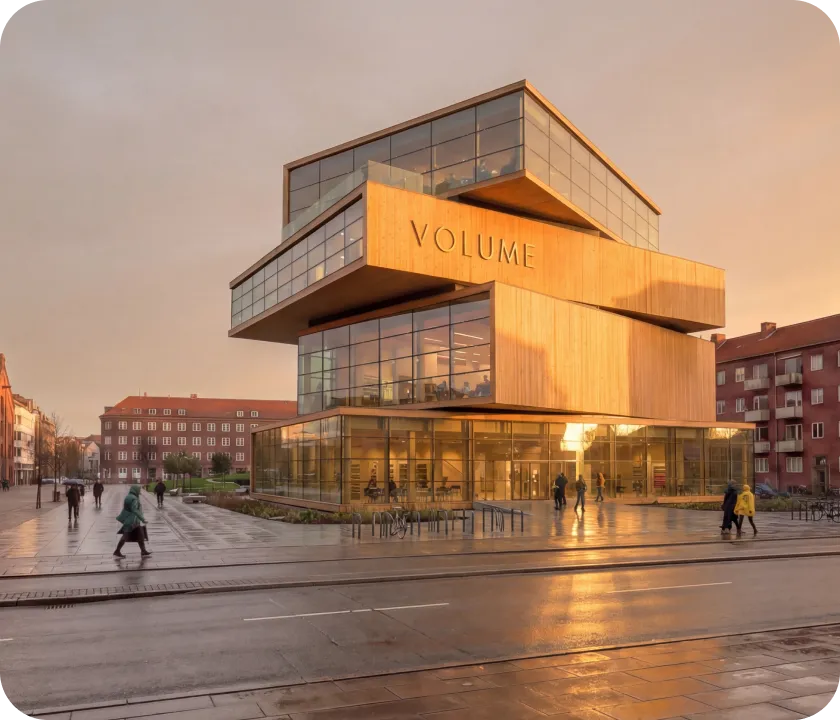
A large building with a lot of people walking around it.
A drawing of three wooden buildings on a snowy surface.
A group of people standing outside of a building.
A black and white drawing of a building.
A drawing of a restaurant with people sitting at tables.
A large wooden building with people standing on top of it.
A black and white drawing of a building.
A painting of people sitting at a table in a library.
A group of people walking around a large building.
A group of people sitting at tables in a large room.
Two people walking in front of a building.
A large building with a lot of people walking around it.
Motif vs. Traditional Rendering Software

Explore first. Model later.

Traditional renderers require a fully developed 3D model before you can produce anything. Motif works from a sketch, a photo, or a model—and delivers 4K renders in seconds. Most teams use Motif alongside their traditional renderer to cover concept-stage work, quick client check-ins, and rapid iteration.
How Motif Compares
Traditional Rendering Software
Enscape
V-Ray
Lumion
Twinmotion
D5
SUCH AS...
Works from sketches & images
Yes—one click
No—requires a fully built 3D model
Works from 3D models
Yes
Yes
Time to render
Seconds
Hours to days—model must be built first
4K output
Default on every render
Varies—often requires export settings or upscaling
Multiple variations
3 per render
Manual—duplicate scene and adjust
AI video generation
Yes—multiple models
Walkthrough animation only
Real-time collaboration
Yes—shared canvas
Typically single-user
Learning curve
Low
Medium to high
Motif vs. AI Design Tools

An architecture engine, not a model wrapper.

Some AI design tools offer a similar canvas-based approach—but they wrap generic, third-party models that aren't actually optimized for architecture. Motif has a purpose-built rendering engine optimized for architectural visualization. It also works with live 3D models inside your existing workspace, so you're never round-tripping files or rendering from stale exports.
How Motif Compares
Traditional Rendering Software
xFiguraAI
SUCH AS...
Rendering engine
Purpose-built for architecture
Wraps third-party, general-purpose models
Output quality
Optimized for architectural visualization
Depends on whichever generic model is selected
Workflow integration
Render inside your design workspace
Separate platform—export, render, re-import
Live 3D model support
Yes
No—works from static image exports
4K output
Default
Depends on model
AI video generation
Numerous models included
Limited
Real-time collaboration
Yes—shared canvas
Typically single-user
IP protection
Contractually guaranteed
Claimed
Motif vs. General-Purpose AI Tools

A chat thread is not a design tool.

General-purpose AI tools generate one image at a time in an isolated chat window. You export, import, and start over for every change. Motif renders inside your project on a shared infinite canvas—with architecture-optimized output, editing tools, and contractual IP protection.
How Motif Compares
Traditional Rendering Software
Midjourney
ChatGPT
Gemini
SUCH AS...
Interface
Infinite canvas with editing tools
Chat thread—one image at a time
Architecture optimization
Purpose-built rendering engine
General-purpose—not tuned for buildings
Workflow integration
Rendering happens inside your project
Isolated—export and re-import manually
Variations
3 per render, side by side on canvas
One at a time in a chat window
AI video generation
Numerous models included in one tool
Must seek out various models
Collaboration
Real-time, shared workspace
Private—single user
IP protection
Contractually guaranteed
No guarantee
Model access
Multiple best-in-class models, one plan
Separate subscription per tool

Better renders start here.

See how Motif transforms the way your team visualizes
FAQs

We already use a traditional renderer. Would we need to replace it?

No. Most teams use Motif alongside their existing renderer. Motif covers the stages where traditional tools can't help yet — early concepts, quick explorations, and client check-ins before a model is fully developed. When the model is ready, your traditional renderer picks up where Motif leaves off.

How is this different from using ChatGPT or Midjourney for rendering?

Those tools generate one image at a time in an isolated chat thread. You export, import, and go back to the chat for every change. Motif renders inside your project on a shared canvas, with architecture-specific output, 4K resolution, multiple variations, editing tools, and IP protection. It's the difference between a standalone AI tool and an integrated design workflow.

Will our designs be used to train AI models?

No. Every model provider we partner with has contractually agreed not to use your work to train their models. Your intellectual property stays yours.

Do we need separate subscriptions for the AI models?

No. Access to all rendering and video models — Nano Banana Pro, Imagen, Veo, Sora, Gen-4 Turbo — is included in your Motif plan. One contract, no extra accounts.

What can we use as a starting point?

Anything — a hand-drawn sketch, a photograph, a digital image, or a view from a live 3D model on your Motif board. You don't need a finished model to create a compelling render.

What is AI rendering for architecture?

AI rendering for architecture uses artificial intelligence to generate photorealistic visualizations of building designs. Unlike traditional rendering software that requires a fully built 3D model, AI rendering can produce presentation-quality images from sketches, photographs, or early-stage models— making it possible to visualize a design at any point in the process, not just after the model is complete.

Can AI generate architectural renders from a sketch?

Yes. With Motif, you can drop in a hand-drawn sketch or digital drawing and generate a 4K architectural render in minutes. You select a rendering style, environment, and time of day — no complex prompting required — and Motif produces three distinct variations automatically. You can then refine with reference images and targeted edits.

How does AI rendering compare to Enscape, V-Ray, or Lumion?

Traditional renderers like Enscape, V-Ray, and Lumion produce high-quality output but require a fully developed 3D model before you can render anything. AI rendering tools like Motif work earlier in the design process — from sketches, images, or rough models — and deliver results in minutes rather than hours. Most architecture teams use both: Motif for concept-stage exploration and rapid iteration, and their traditional renderer for final-stage visualization.

Is it safe to use AI rendering tools with client projects?

It depends on the tool. Many general-purpose AI tools make no guarantee that your inputs won't be used to train future models. Motif is different: every model provider we partner with has contractually agreed not to train on your work. Your designs, client projects, and intellectual property stay yours. We can walk through the specifics with your legal team if needed.

Can multiple people collaborate on AI renders?

With Motif, yes. Motif is a shared workspace where teammates can see renders as they're created, iterate on them, and trace the creative decisions behind them—all in real time. Unlike most AI tools (which are single-user chat windows) or traditional renderers (which are typically single-seat applications), Motif is built for teams from the ground up.

What AI models does Motif use for rendering?

Motif gives you access to multiple best-in-class AI models under one plan. For static images: Nano Banana Pro, Nano Banana 2, and Nano Banana. For video: Veo 3, Veo 3.1, Sora 2, Sora 2 Pro, and Gen-4 Turbo. You choose the model that fits your task—no separate contracts or accounts with each provider.